AR Glasses vs Portable Monitor: Which One Should You Buy?
Your laptop screen is too small, your bag is already heavy, and you want a bigger display without making your life harder. That is the real question behind AR glasses…
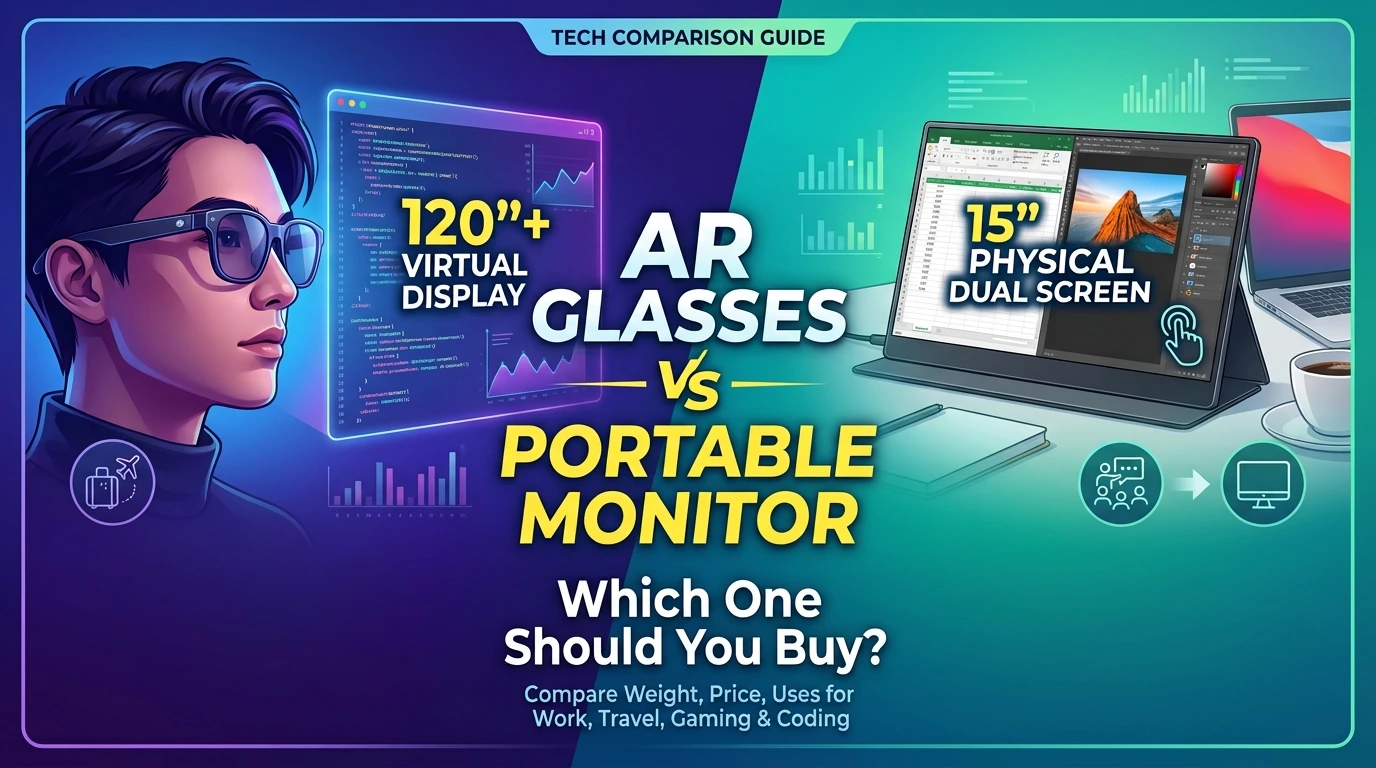
Your laptop screen is too small, your bag is already heavy, and you want a bigger display without making your life harder. That is the real question behind AR glasses vs portable monitor. One option puts a giant screen in front of your eyes. The other gives you a real, flat panel you can touch. In this guide, you’ll learn how each one works, where each one wins, and how to pick the right one for school, work, travel, coding and gaming. No tech degree needed.
Quick Answer: Which One Is Better?
Choose AR glasses if you work alone, travel a lot, and have very little desk space. Choose a portable monitor if you often show your screen to other people, do detailed work like photo editing, or want the cheapest option.
Neither one is better for everyone. The right answer depends on how and where you work.
How Each Option Works
What Are AR Glasses?
AR display glasses look like thick sunglasses. Tiny screens inside the frame show an image that appears to float in front of you, like a big TV across the room. You plug them into a phone, laptop or game console with a USB-C cable. They have no brain of their own, so they only show what your device sends them.
What Is a Portable Monitor?
A portable monitor is a thin, lightweight screen, usually 14 to 16 inches. It connects with one cable and stands up with a fold-out cover or a small stand. You use it next to your laptop like a mini desktop monitor.
Virtual Monitor vs Physical Portable Screen
The biggest difference is this: AR glasses create a virtual screen, which is an image your eyes see but that doesn’t exist in the real world. A portable monitor is a physical screen made of real glass and light. Your eyes already know how to look at a physical screen, so there is no adjustment period. A virtual screen can look much bigger, but it takes a little time to get used to.
Head-to-Head Comparison

| Feature | AR Glasses | Portable Monitor |
| Typical weight | About 2.5 to 3.5 oz (70 to 100 g) | About 1 to 1.7 lb (450 to 770 g), plus a stand or case |
| Typical price | About $300 to $600 | About $100 to $300 |
| Privacy | Only you can see the screen | Anyone nearby can see it |
| Screen sharing | One person only | Easy for two people |
| Setup space | No desk needed | Needs a flat surface |
| Text sharpness | Good, but varies by model | Reliable and consistent |
| Eye comfort | Needs breaks and fitting | Familiar and easy |
Prices and weights are rough ranges. Always check the current price and specs of the exact model before you buy.
Weight and Portability
AR glasses fold up like regular sunglasses. For example, RayNeo lists its Air-series glasses at about 76 grams, less than a phone. A 15-inch portable monitor weighs around a pound or more, and once you add a stand and a case, the pack-up weight gets bigger. For a long travel day, that gap matters.
XREAL vs Portable Monitor for Travel
If you fly, take trains, or work from tiny café tables, XREAL vs portable monitor for travel is an easy call for most people. XREAL and similar glasses fit in a jacket pocket, and you can use them while standing at an airport charger. A portable monitor needs a flat surface and extra elbow room. On a tight airplane tray table, glasses win. At a hotel desk, either one works.
Privacy: Who Can See Your Screen?
Glasses show the image only to you. The person next to you on a plane cannot read your emails over your shoulder. A portable monitor does the opposite: it makes a bigger target for curious eyes. You can buy a privacy filter for a monitor, but it is one more thing to carry, and it dims the screen from the side.
If you handle school projects, client files or anything private, this one point can decide the whole choice.
Eye Comfort and Long Work Sessions
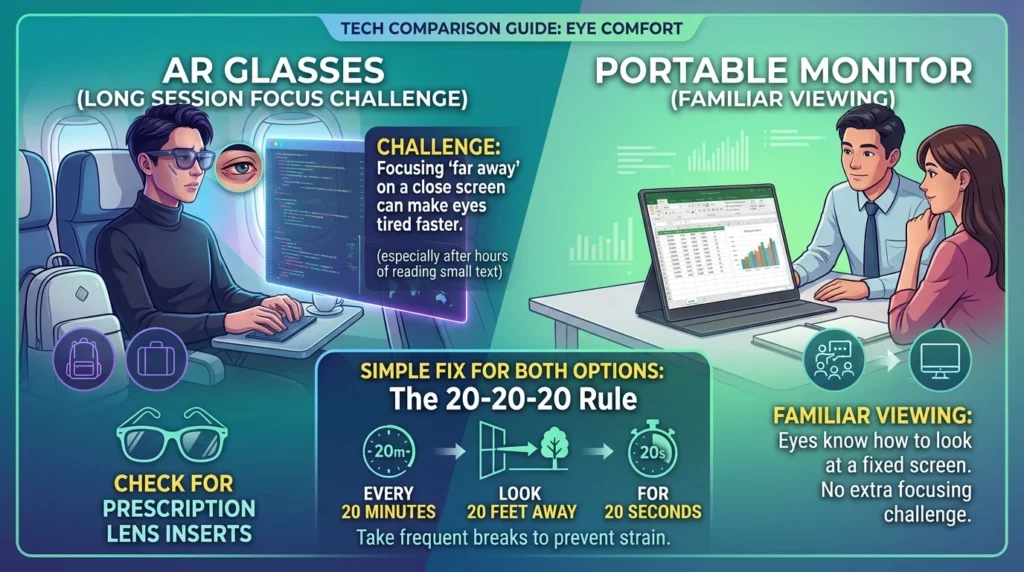
This is the part many guides skip. Most eye strain comes from staring too long without blinking, and it happens with every screen. But glasses add one extra challenge. Your eyes may need to focus on something that looks far away while the real screen is very close. This can make some people tired faster, especially after several hours of reading small text.
A simple fix works for both options: look at something 20 feet away for 20 seconds every 20 minutes. If you wear prescription glasses, check whether the AR model offers prescription lens inserts before you buy.
Can You Really Work With Multiple Screens?
Smart Glasses Productive Multi-Screen Setup
Here’s what most people get wrong. Plugging in glasses does not automatically give you three screens. By default, most glasses just copy (mirror) your laptop screen, only bigger. Whether you can spread windows across several virtual screens depends on your laptop’s operating system and the glasses’ companion app.
A smart glasses productive multi-screen setup usually works best on Windows with the maker’s software installed. On a Mac, support is more limited, and many setups need extra software or only mirror. Test this before you buy.
A portable monitor is simpler. Plug it in, and your computer treats it as a normal second screen. For a quick, reliable extension of your desktop, the monitor is the safer choice.
Coding, Spreadsheets and Detailed Work
For programmers, the question is whether code stays sharp and easy to read. Glasses can work well for coding if you increase the text size and take breaks. But a monitor gives you a fixed size and resolution you can plan around. If you do photo editing, color matching or very dense spreadsheets, a physical monitor is more predictable.
Gaming and Steam Deck Use
Best Portable Screen for Steam Deck and Gaming
For gaming, speed and image quality matter most. AR glasses make a handheld console feel like a movie screen, and they are great for playing in bed or on a train. A portable monitor gives you a steady image with no head movement involved.
When shopping for the best portable screen for Steam Deck and gaming, look for these four things:
- A fast refresh rate, ideally 60 Hz or higher
- Low input lag
- A USB-C port that supports video
- An HDMI input as a backup
Some glasses work with a console over USB-C, and others need an adapter, so read the compatibility list first.
The Hidden Costs Nobody Mentions
Always compare the whole kit, not just the main item.
- Glasses: the cable, a case, a prescription insert, and sometimes a power adapter or console dock.
- Monitor: the stand or cover, extra cables, and a privacy filter if you travel often.
Neither device has its own computer, and many glasses have no battery. They pull power from your phone or laptop, which means your battery drains faster. A long flight may need a power bank.
Which One Should You Choose?
Choose AR Glasses If:
- You work alone most of the time
- Your desk or tray table is tiny
- Privacy matters to you
- You want the lightest bag possible
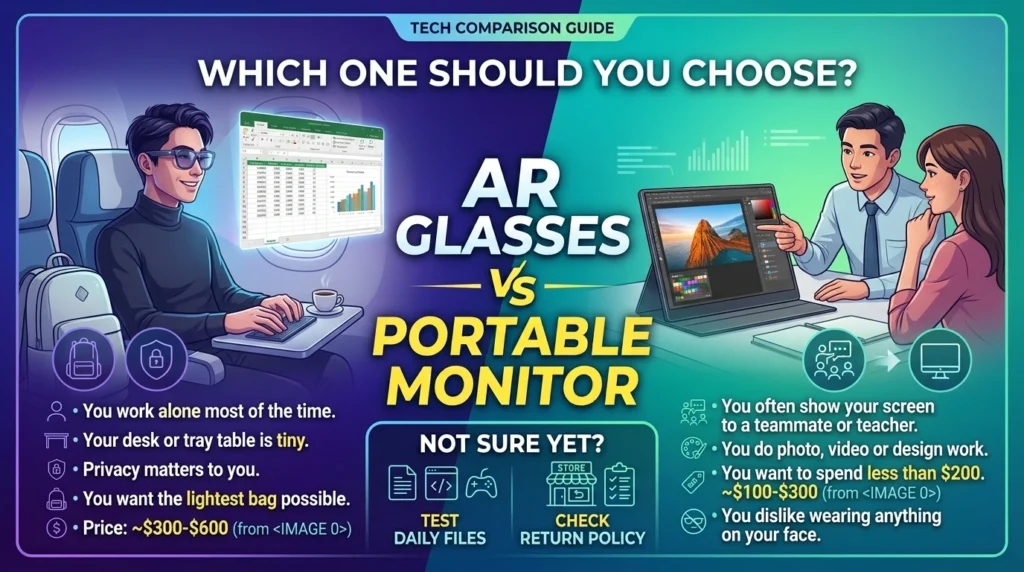
Choose a Portable Monitor If:
- You often show your screen to a teammate or teacher
- You do photo, video or design work
- You want to spend less than $200
- You dislike wearing anything on your face
Not Sure Yet?
Try this test. Open the exact files you use every day, such as a document, a code editor or a game, and judge how sharp and comfortable they feel. If you can, buy from a store with an easy return policy.
Frequently Asked Questions (FAQs)
Are AR glasses better than a portable monitor for working?
It depends on your work. For private, solo work in small spaces, AR glasses are great. For sharing screens or detailed visual work, a portable monitor is better. In the AR glasses vs portable monitor debate, neither wins every time.
Can AR glasses replace a portable monitor completely?
Not always. Glasses cannot be shared with a person sitting beside you, and some computers only mirror the screen. If you need a shared screen or guaranteed extended desktop, keep a portable monitor as your main option.
Is XREAL vs portable monitor for travel an easy choice?
Usually, yes. XREAL-style glasses are lighter and need no flat surface, so they fit small seats well. A portable monitor wins if you share your screen or want a lower price.
What is the difference between a virtual monitor and a physical portable screen?
A virtual monitor is an image shown inside glasses, so only you can see it. A physical portable screen is a real panel anyone can view. Virtual screens can seem larger, while physical screens feel more natural.
Can I build a smart glasses productive multi-screen setup on a Mac?
Sometimes, but it is more limited than on Windows. Many glasses mirror one screen on a Mac unless you add the maker’s software. Check your exact laptop and glasses model before buying.
What is the best portable screen for Steam Deck and gaming?
Pick a screen with a fast refresh rate, low lag, USB-C video support and an HDMI input. AR glasses are fun for movie-style gaming, while a portable monitor gives a stable, easy-to-share image.
Do AR glasses hurt your eyes?
They can cause tired eyes if you use them for hours without breaks, like any screen. Follow the 20-20-20 rule and adjust the fit. If you feel pain or headaches, stop and talk to an eye doctor.
Final Verdict
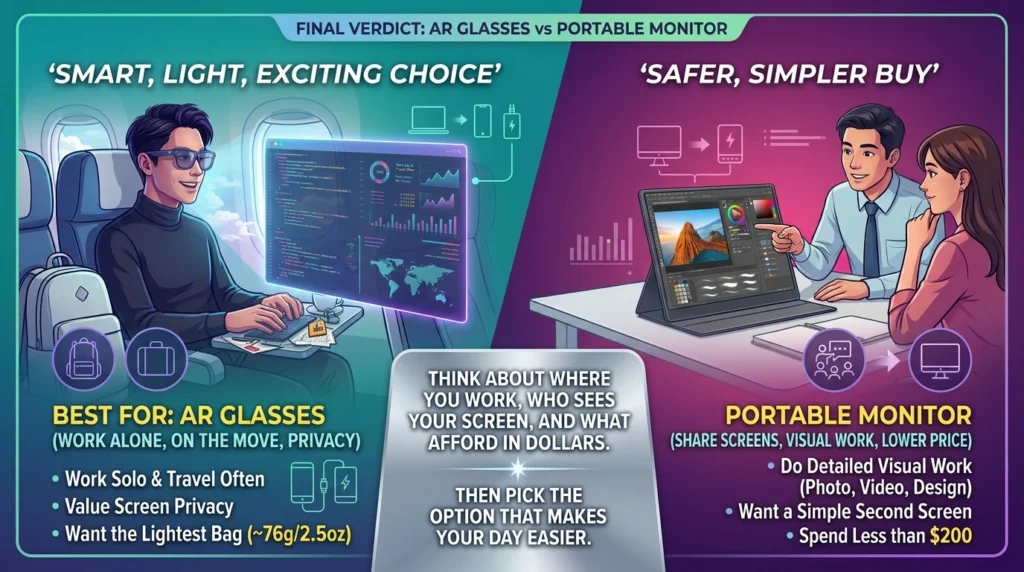
So, who wins the AR glasses vs portable monitor battle? If your life is on the move, you value privacy and you work solo, AR glasses are a smart, light and exciting choice. If you share your screen, do careful visual work or want a lower price, a portable monitor is the safer and simpler buy.
Think about where you work, who sees your screen, and what you can afford in dollars. Then pick the option that makes your day easier.