Budget PC Build: Best High-Performance Gaming Setups
Wanting great frame rates without emptying your wallet is completely realistic. A smart budget PC build can run popular games at high settings, as long as your money goes to…
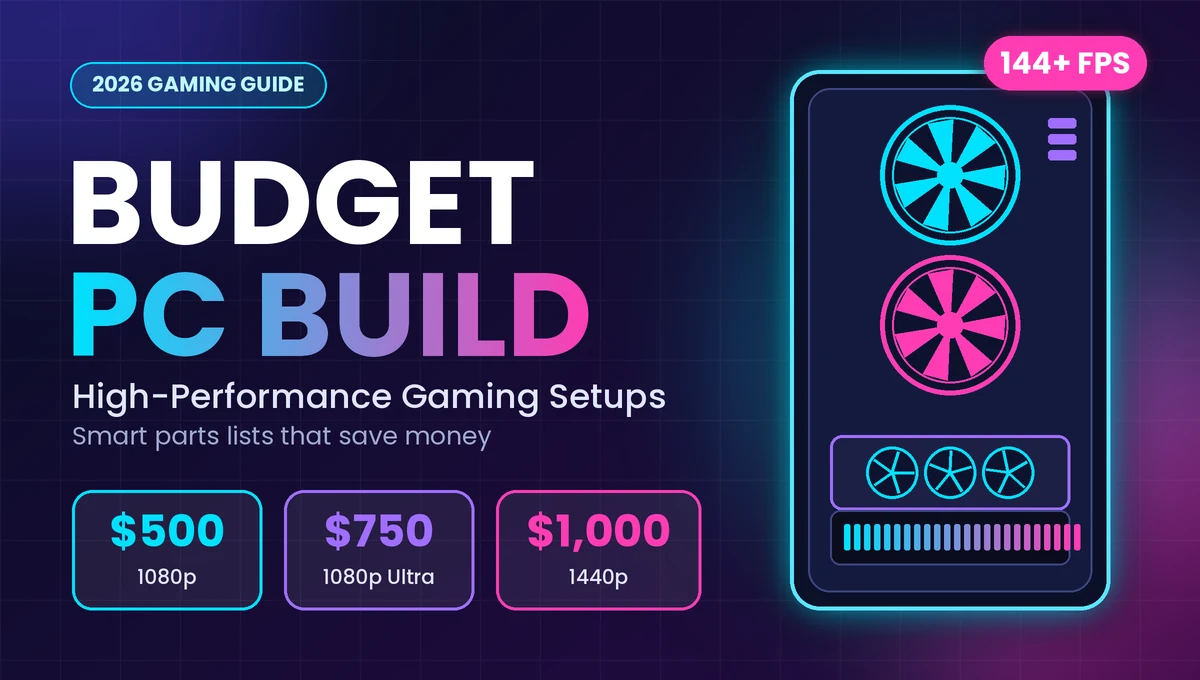
Wanting great frame rates without emptying your wallet is completely realistic. A smart budget PC build can run popular games at high settings, as long as your money goes to the right parts. This guide shows you exactly where to spend, where to save, and which three builds give the most performance at $500, $750 and $1,000.
What Makes a Budget PC Build Actually High Performance?
Many shoppers pick parts by brand names or flashy lights. Gamers who get the best results do the opposite. They look at how each part affects frames per second (FPS), which is how many pictures your screen shows every second. More FPS means smoother gameplay.
Put the Graphics Card First
The graphics card (GPU) draws everything you see, so it has the biggest effect on gaming speed. In a good budget PC build, the GPU usually takes about 35 to 45 percent of your total spending. A mid-range processor with a strong GPU beats a fancy processor with a weak GPU almost every time.
Pick a Processor That Matches, Not One That Overshoots
A six-core processor is the sweet spot for gaming under $1,000. Going to eight or more cores helps video editing and streaming, but most games gain very little. Spend that extra money on the GPU instead.
Don’t Ignore Memory, Storage and Power
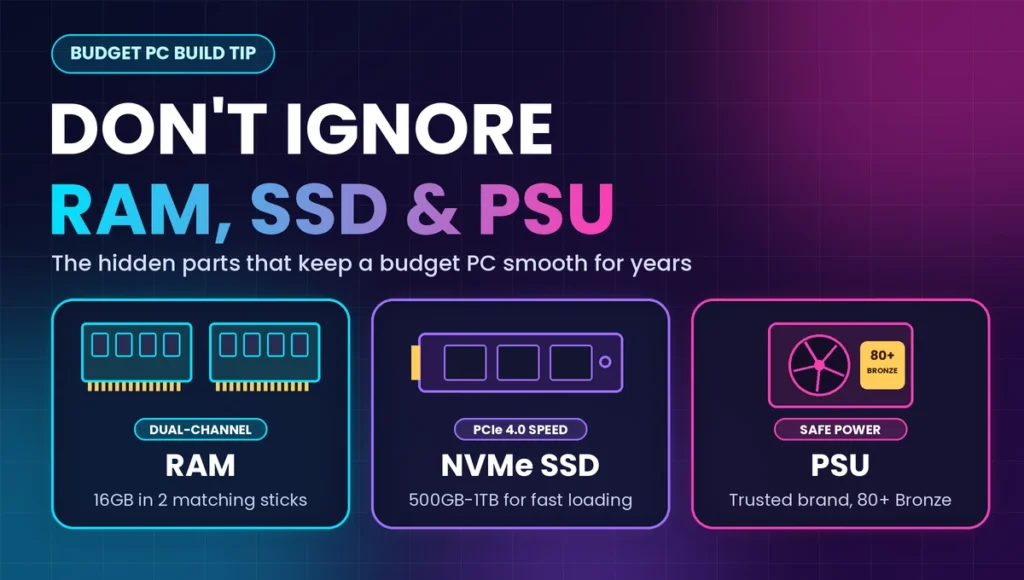
These parts are less exciting, but they decide whether your PC feels smooth and lasts for years:
- RAM: 16GB is the minimum for modern games. Always buy two matching sticks instead of one, because two sticks run in dual-channel mode, which can noticeably boost FPS.
- Storage: A 500GB to 1TB NVMe SSD loads games far faster than a hard drive.
- Power supply (PSU): Choose a trusted brand with an 80 PLUS Bronze rating or better. A cheap, unknown PSU can damage your other parts.
Three Budget PC Build Options for 2026
Prices below are rough US dollar estimates for the PC tower only. Memory and graphics card prices move often, so check current listings before you buy. Monitor, keyboard, mouse and Windows license are not included.
The $500 Starter Build: Smooth 1080p Gaming
This build is for students and first-time builders who want solid performance on a tight budget.
Suggested Parts
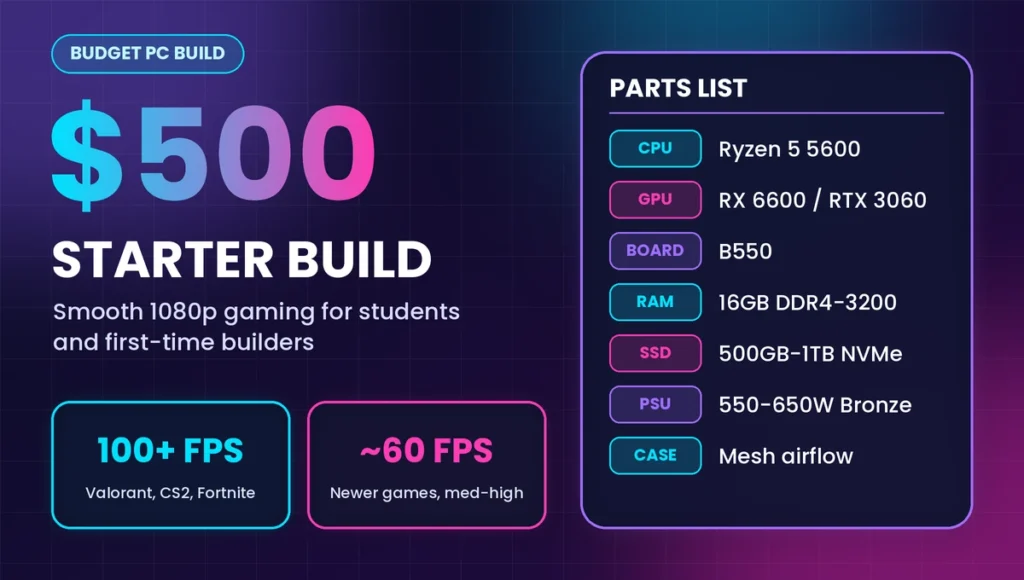
- Processor: AMD Ryzen 5 5600 (6 cores)
- Graphics card: Radeon RX 6600 8GB or a tested used RTX 3060 12GB
- Motherboard: B550 model with decent power delivery
- RAM: 16GB (2 x 8GB) DDR4-3200
- Storage: 500GB to 1TB NVMe SSD
- Power supply: 550W to 650W, 80 PLUS Bronze
- Case: Any case with a mesh front panel for airflow
What You Can Expect
Expect smooth 1080p gameplay in esports titles like Valorant, CS2 and Fortnite, often well above 100 FPS. Newer big-budget games run at medium to high settings at around 60 FPS.
The $750 Sweet Spot: High Settings at 1080p, Medium-High at 1440p
If you can stretch your budget, this tier gives the best value for money. It also moves you to a newer platform, which makes upgrading easier later.
Suggested Parts
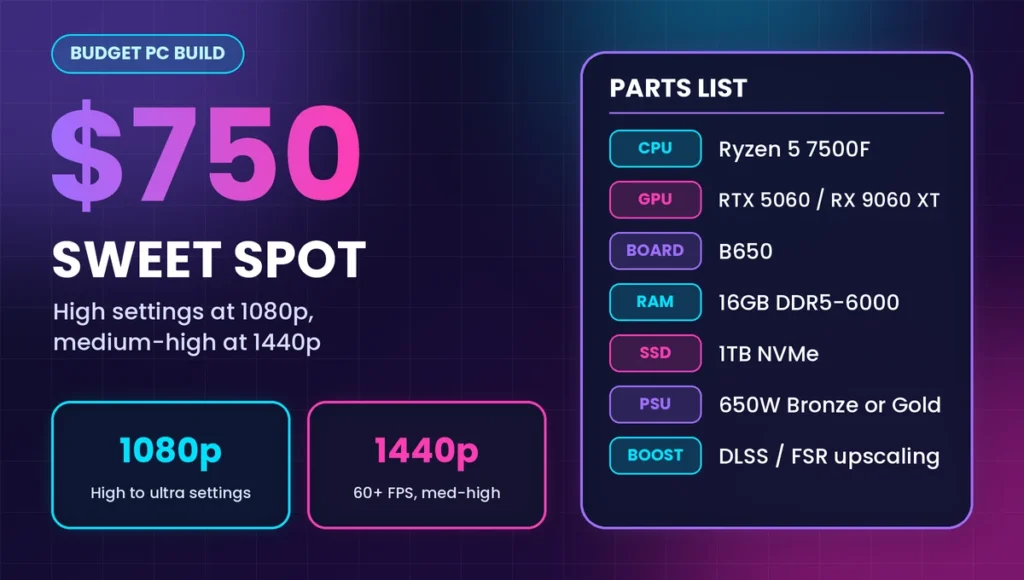
- Processor: AMD Ryzen 5 7500F or a similar six-core chip
- Graphics card: GeForce RTX 5060 or Radeon RX 9060 XT (choose the 16GB version if the price gap is small)
- Motherboard: B650 model
- RAM: 16GB (2 x 8GB) DDR5-6000
- Storage: 1TB NVMe SSD
- Power supply: 650W, 80 PLUS Bronze or Gold
What You Can Expect
Most games run at high or ultra settings at 1080p, and many hold 60 FPS or more at 1440p with medium-high settings. Modern upscaling tools like DLSS and FSR help stretch performance even further.
The $1,000 Performance Build: Comfortable 1440p Gaming
This is still a budget PC build, because it avoids expensive extras and puts nearly everything into gaming power.
Suggested Parts
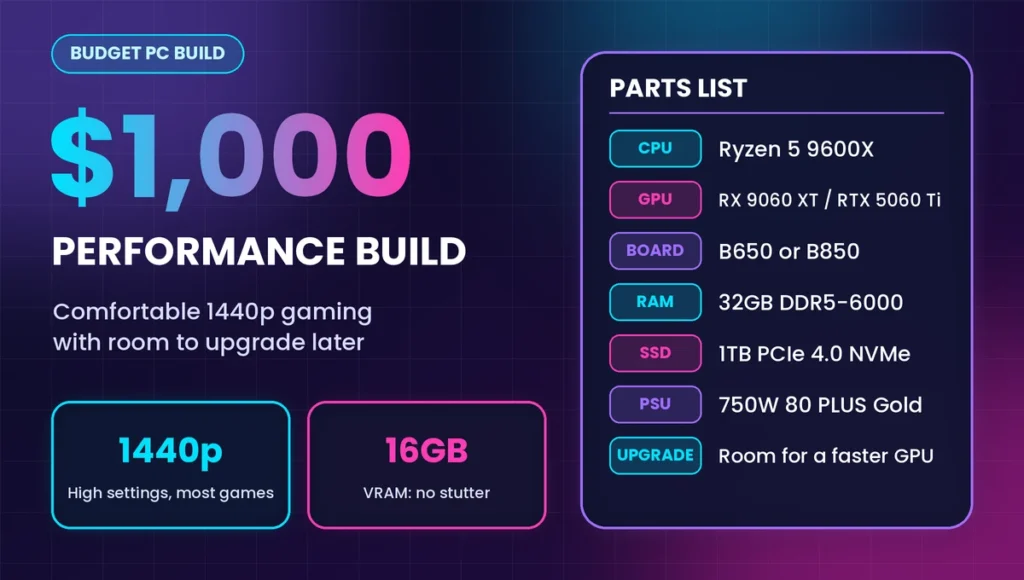
- Processor: Ryzen 5 9600X or a similar fast six-core processor
- Graphics card: Radeon RX 9060 XT 16GB or GeForce RTX 5060 Ti 16GB
- Motherboard: B650 or B850 model
- RAM: 32GB (2 x 16GB) DDR5-6000 if the price allows, otherwise 16GB
- Storage: 1TB PCIe 4.0 NVMe SSD
- Power supply: 750W, 80 PLUS Gold
What You Can Expect
Strong 1440p gaming at high settings in most titles, with enough video memory to avoid stutter in newer games. You also get room to add a better GPU later.
New Parts or Used Parts: Which Is Smarter?
Used parts can save you 20 to 40 percent, but only if you buy carefully.
Where Used Parts Make Sense
Graphics cards and processors from the previous generation offer the best savings. A used RTX 3060 or RX 6600 can match a new, more expensive card in many games.
Where You Should Buy New
Always buy the power supply and storage new. A failing PSU can take your whole PC with it, and used SSDs may already be close to the end of their life.
A Simple Safety Checklist for Used GPUs
- Ask for photos of the actual card, not stock images.
- Run a stress test such as FurMark or 3DMark for at least 20 minutes.
- Check for loud fans, high temperatures and visual glitches.
- Pick sellers who offer a return window or warranty.
Five Costly Mistakes to Avoid
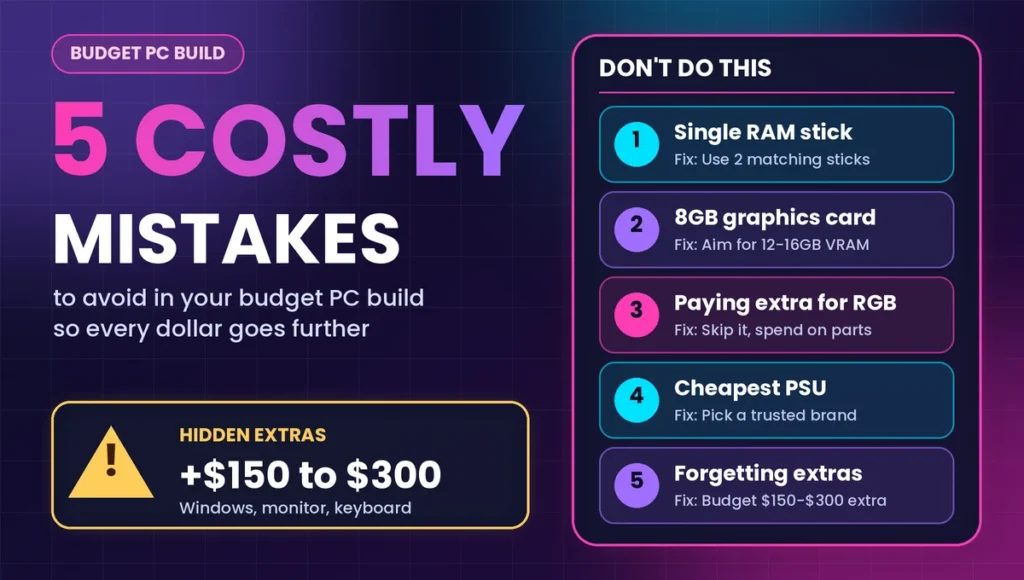
Builders often waste money in the same few ways. Avoid these and your budget goes much further:
- Using a single RAM stick. One 16GB stick runs slower than two 8GB sticks.
- Buying an 8GB graphics card for newer games. If your budget allows, 12GB or 16GB lasts longer as games grow bigger.
- Paying extra for RGB lighting. Lights do not add a single frame per second.
- Choosing the cheapest PSU. Saving $20 here is risky for a PC worth hundreds.
- Forgetting the extras. Windows, a monitor and a keyboard can add $150 to $300 to your total.
How to Keep Your Budget PC Running Well for Years
A little care protects your investment. Clean dust from fans every few months, and keep the case in a spot with good airflow. If your home has unstable electricity, plug your PC into a quality surge protector or a small UPS. Update graphics drivers regularly, because new versions often fix bugs and improve speed.
When you plan your build, also think about upgrades. A newer platform such as AM5 lets you swap in a faster processor later without replacing the motherboard, while an older platform such as AM4 costs less today but has fewer upgrade options.
Frequently Asked Questions – Budget PC Builds
How much does a good budget PC build cost?
A solid budget PC build for 1080p gaming costs around $500 to $750 today. Going up to $1,000 gives you comfortable 1440p gaming. Prices change often, so compare current listings before buying.
Is it cheaper to build a PC or buy a prebuilt one?
Building usually saves money and lets you choose better parts, such as a quality PSU. However, sales on prebuilt systems can sometimes match the price. Compare the full parts list, not just the processor and graphics card.
What is the most important part of a budget PC build for gaming?
The graphics card matters most, because it controls how smooth your games look and feel. Aim to spend roughly 35 to 45 percent of your total budget on it, then choose a matching six-core processor.
Is 16GB of RAM enough for gaming in 2026?Is 16GB of RAM enough for gaming in 2026?
Yes, 16GB works well for most games. Use two matching sticks for dual-channel speed. If you stream or keep many apps open, 32GB gives extra room, but it is not required.
Can I build a budget gaming PC with used parts?
Yes, used GPUs and processors can save a lot of money. Test the graphics card with a stress test, buy from sellers with return policies, and always buy the power supply and SSD new.
How do I make my budget PC build last longer?
Choose a platform with upgrade options, buy a quality power supply, and keep the case clean and cool. Later, you can upgrade just the graphics card to boost performance without replacing the whole PC.
Conclusion: Spend Smart, Not More
A great budget PC build is not about buying the cheapest parts. It is about putting money where it improves gameplay most: the graphics card first, then a matching processor, dual-channel RAM, a fast SSD and a trustworthy power supply. Pick the $500, $750 or $1,000 plan that fits your goals, double-check current prices, and you will get smooth, high-performance gaming without wasting a cent.