Xbox Cloud Gaming in 2026: Hour Limits, Setup, and Fixes Explained
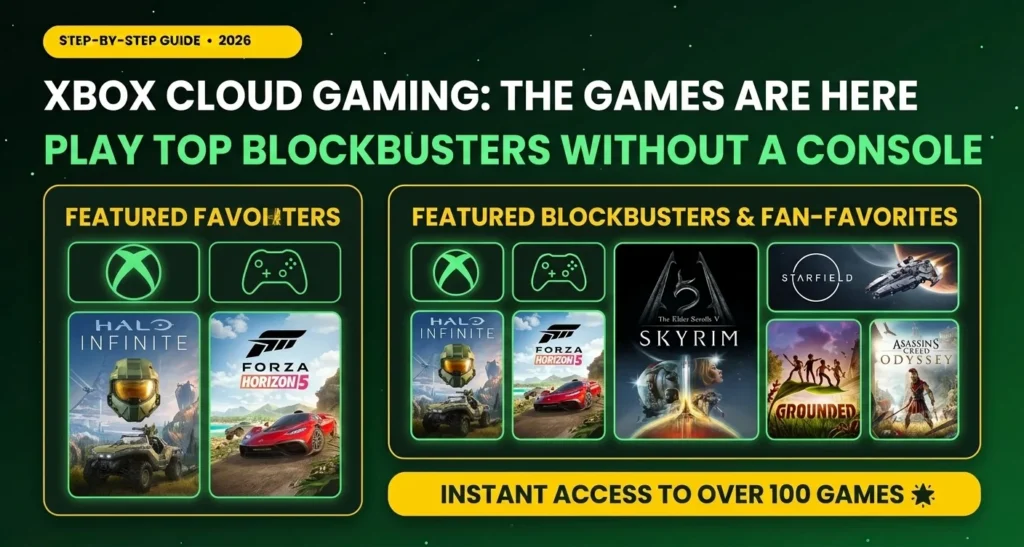
Xbox cloud gaming lets you play big console games on a phone, laptop, tablet, or TV without downloading them. The game runs on a powerful Microsoft computer far away, and…
Xbox cloud gaming lets you play big console games on a phone, laptop, tablet, or TV without downloading them. The game runs on a powerful Microsoft computer far away, and a video of it streams to your screen. Until now, many Game Pass members could stream as much as they wanted. That is about to change. This guide explains what is changing, how to start, how to fix common problems, and whether it still makes sense for you.
Details here are current as of October 2026. Prices for extra hours were not published at the time of writing, so check the official Xbox Wire post before you buy anything.
What Is Xbox Cloud Gaming?
Think of it like watching a movie on Netflix, except you control the movie with a controller. You press a button, the signal travels to a Microsoft server, the game reacts, and the picture comes back to you in a fraction of a second.
Why people like it
- No big downloads. Many games are tens of gigabytes, and streaming skips that.
- Play almost anywhere. A phone, a tablet, a PC browser, and some TVs can all work.
- Cheaper than new hardware. An older console owner can try games built for newer Xbox models.
The catch
Streaming depends entirely on your internet. A weak connection means a blurry picture and delayed button presses.
What Is Changing in November 2026?
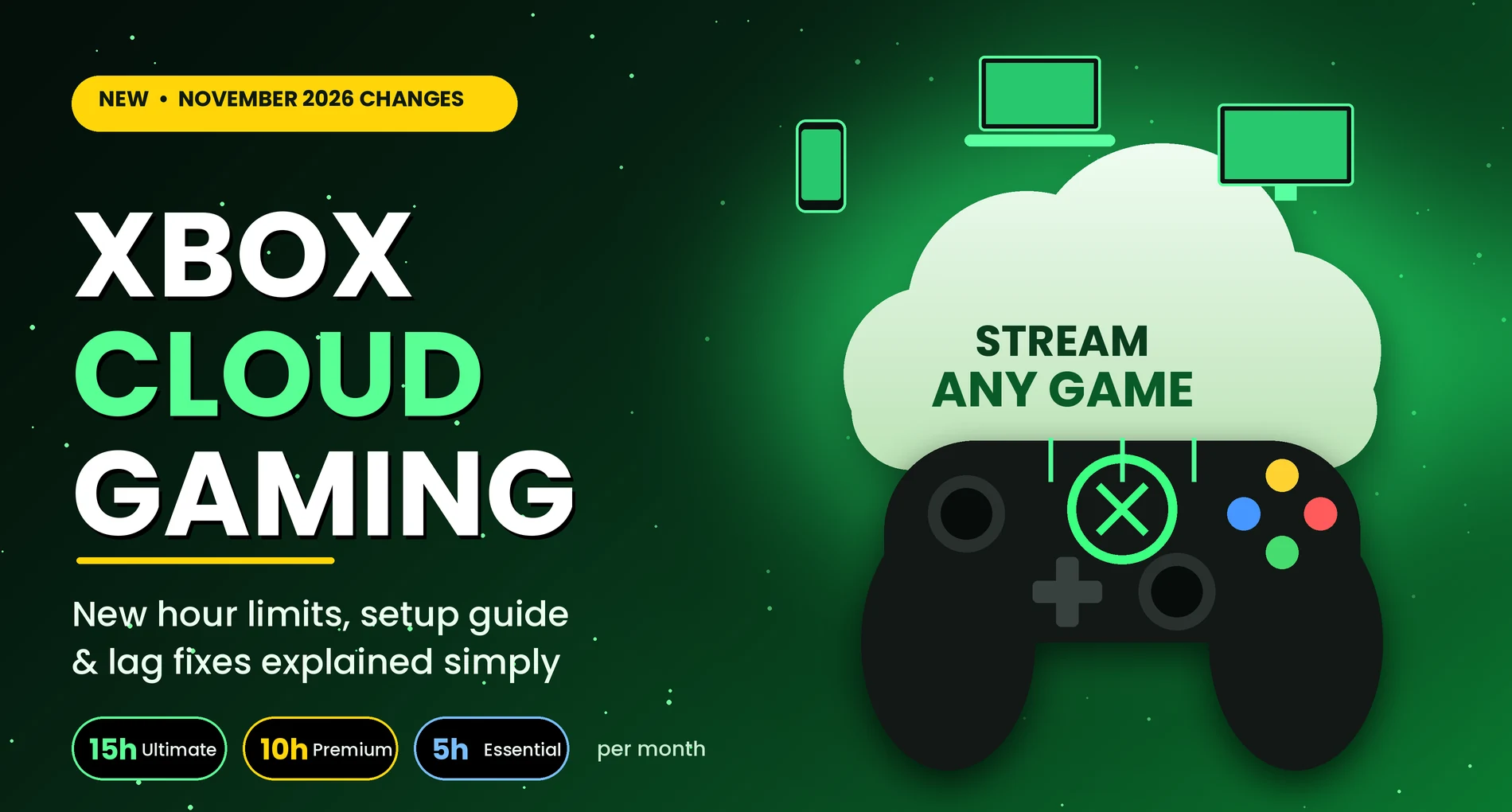
Microsoft announced on September 3, 2026 that Game Pass plans will include a set number of cloud gaming hours each month instead of open-ended streaming.
The new hour allowances
According to coverage quoting the announcement, the monthly hours are:
- Game Pass Ultimate: 15 hours
- Game Pass Premium: 10 hours
- Game Pass Essential: 5 hours
Microsoft said it expects the change to affect about 4% of subscribers. Those are most likely the heaviest cloud players. If you use the cloud a few times a month, you may never notice.
What happens when your hours run out
You will be able to buy extra cloud playtime in the Xbox Store. Microsoft has not shared prices yet, and it says hours, purchase options, and features can vary by country.
A new option without Game Pass
Also starting in November, you will be able to buy cloud hours and stream eligible games you already own, with no subscription. This suits people who only want to stream now and then.
How to Set Up Xbox Cloud Gaming (Step by Step)
On a PC or laptop
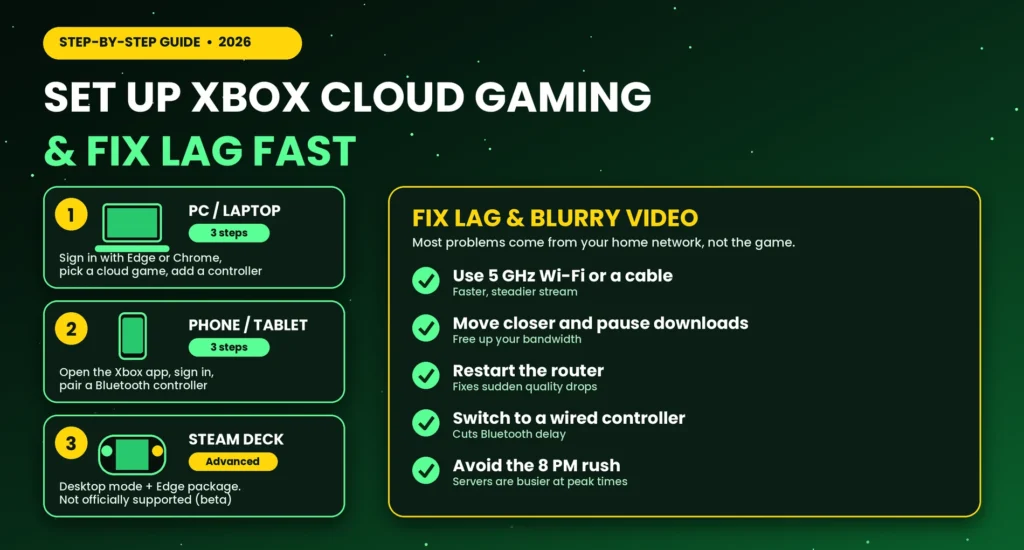
- Sign in with your Microsoft account on the Xbox cloud gaming page in a modern browser such as Edge or Chrome.
- Choose a game marked as cloud playable.
- Connect a controller by USB or Bluetooth, or use the on-screen controls where offered.
On a phone or tablet
- Open the Xbox app or the browser version, depending on your device.
- Sign in and pick a cloud-playable game.
- Pair a Bluetooth controller. A phone clip makes this much more comfortable.
On a Steam Deck
This one takes more effort and is not officially supported by Microsoft. The popular method installs Microsoft Edge through a community-maintained package, adds it to Steam, and opens the Xbox cloud gaming site in full-screen mode.
Before you try it
- You will use desktop mode and type a short terminal command.
- Setup may break after a system update.
- Microsoft’s guide labels the experience as beta, so treat it as a hobby project.
How to Fix Lag and Blurry Video
Most problems come from the home network, not the game.
Quick fixes that work for most people
- Use the 5 GHz Wi-Fi band or a network cable if you can.
- Move closer to the router and close other streaming or downloads in your house.
- Restart the router if the picture suddenly gets worse.
- Check Microsoft’s current speed guidance on Xbox Support. Requirements change over time, so don’t rely on an old number.
When the problem is not your internet
Controller delay
Bluetooth controllers can add delay. A wired controller is usually faster and more stable.
Busy evening hours
Servers can be crowded at peak times. If it is bad at 8 PM but fine at noon, that may be the reason.
Is Xbox Cloud Gaming Still Worth It After the Limits?
It depends on how you play. The questions below help you decide.
It is a good fit if you
- Own a console or PC and stream only now and then
- Want to try a game before downloading it
- Travel and want a backup way to play
- Own an older Xbox One and want newer games
It may not be a good fit if you
- Use the cloud as your only way to play for many hours every week
- Have slow or unreliable internet
- Mainly play competitive games where tiny delays matter
A simple way to check your own usage
Before November, track how many hours you stream in a normal month. If you stay under your plan’s allowance, nothing changes. If you go far over, compare the cost of extra hours (once announced) against buying a cheaper console or a gaming PC.
Frequently Asked Questions (FAQs) Xbox Cloud Gaming
Is Xbox cloud gaming free?
Not entirely. It is included with certain Game Pass plans, and Xbox has long offered some free-to-play games, such as Fortnite, through the cloud. From November, you will also be able to buy hours without a subscription.
How many hours will I get each month?
Reported allowances are 15 hours on Ultimate, 10 on Premium, and 5 on Essential. Confirm these on Xbox’s official pages before you rely on them.
Will unused hours carry over?
The announcement did not say. Watch for official details before the November start.
Can I stream games I already own?
Yes. Xbox has added the option to stream select games you buy, and the November change adds a way to pay for hours without Game Pass.
Does Xbox cloud gaming work on iPhone and Android?
Yes, through the Xbox app or a web browser, depending on your device and region. Feature availability can differ by country.
What internet speed do I need?
Microsoft publishes recommended speeds on Xbox Support. Faster and more stable is better, and a wired or 5 GHz connection beats a crowded 2.4 GHz one.
Can I play on a Steam Deck?
Yes, using the community setup described above. It is not officially supported by Microsoft.
Does Xbox cloud gaming include Call of Duty?
Game Pass day-one releases exclude Call of Duty titles, according to the fine print on the Xbox page.
Final Thoughts on Xbox Cloud Gaming
Xbox cloud gaming is still one of the easiest ways to play big games without expensive hardware, but it is moving from “stream as much as you like” to a monthly hour system. Light and casual players will barely notice. Heavy streamers should start tracking their hours and watch for pricing details from Xbox. Fix your Wi-Fi first, pick the right plan for your habits, and you will get the most out of Xbox cloud gaming.